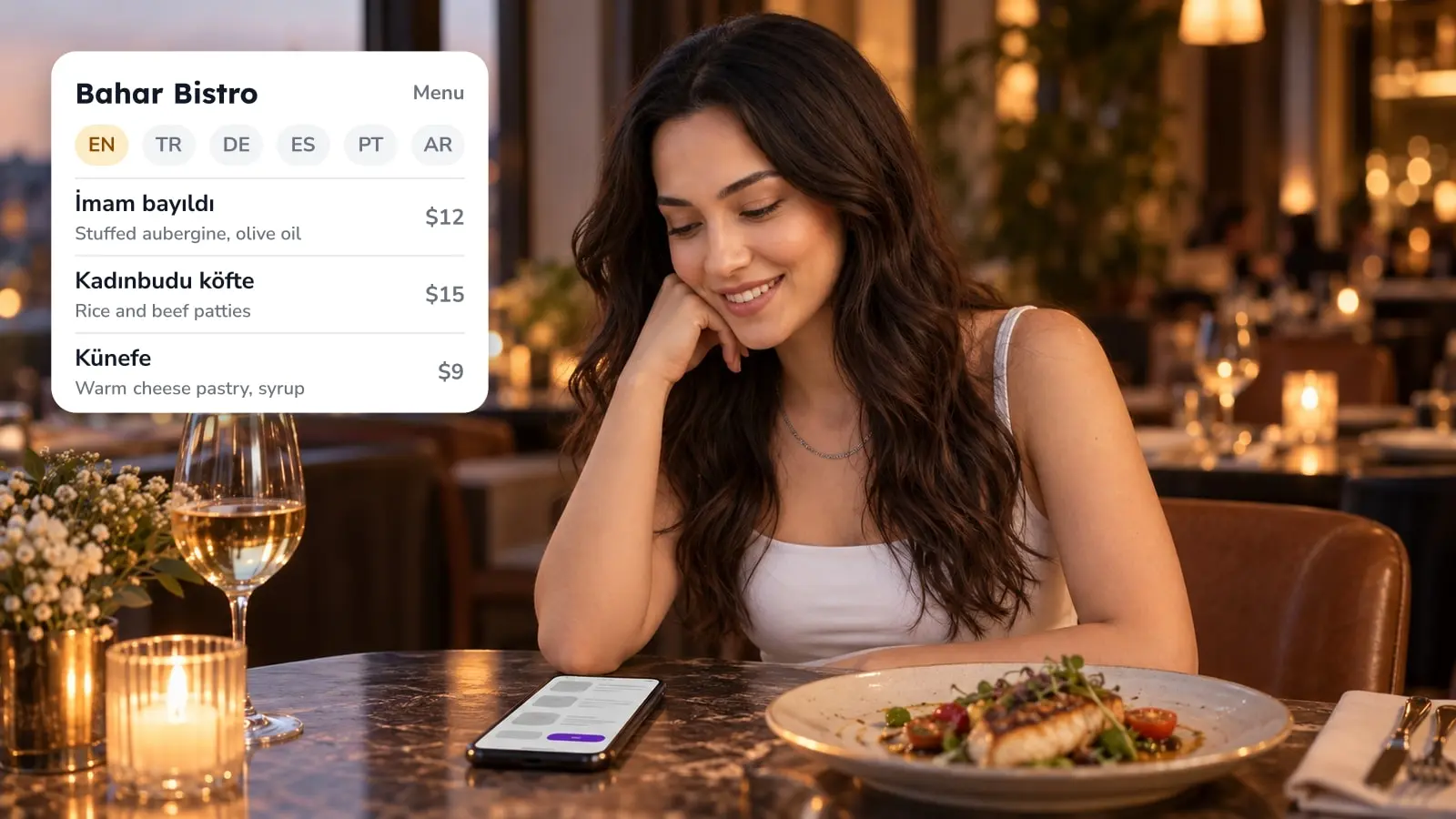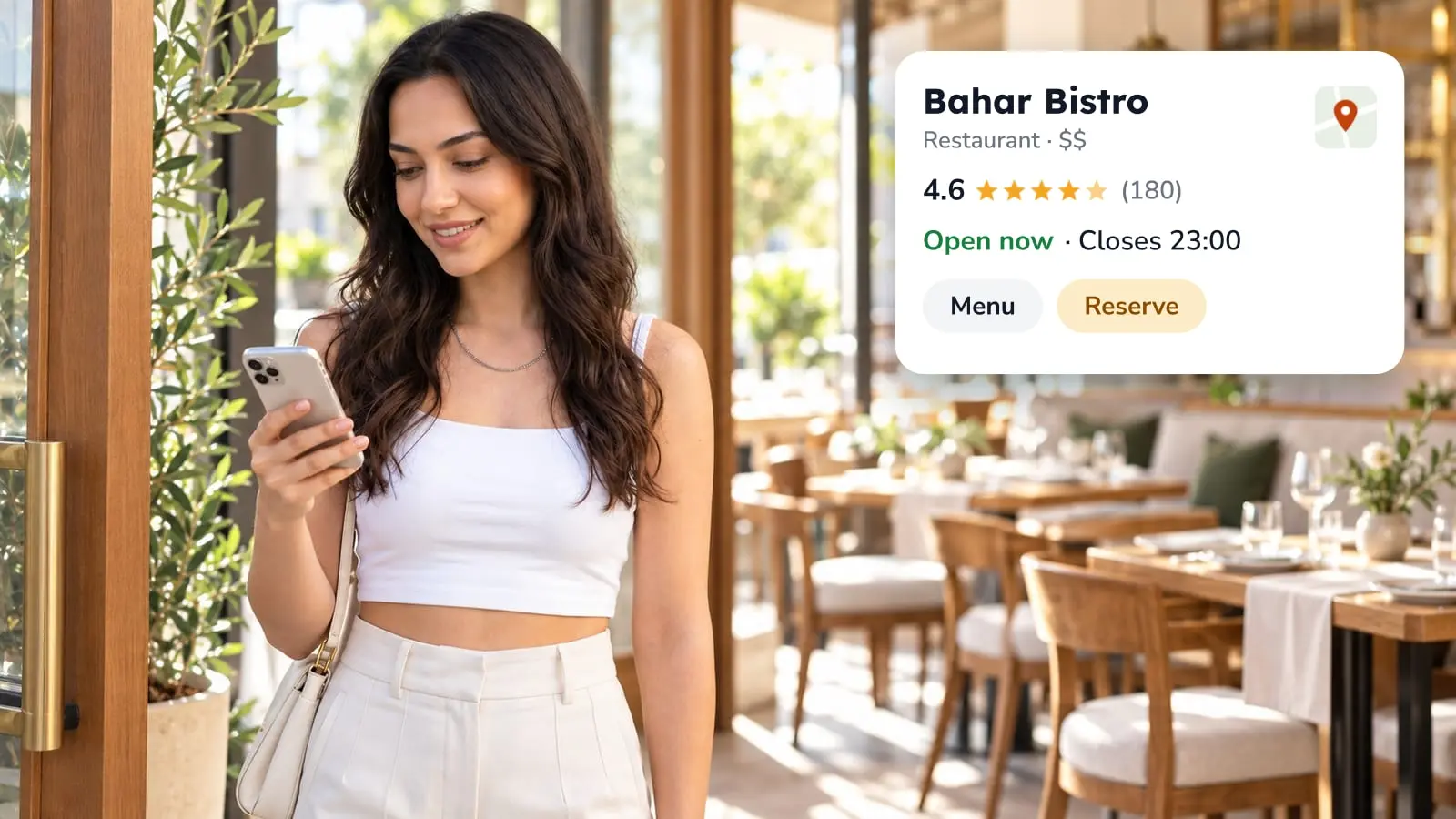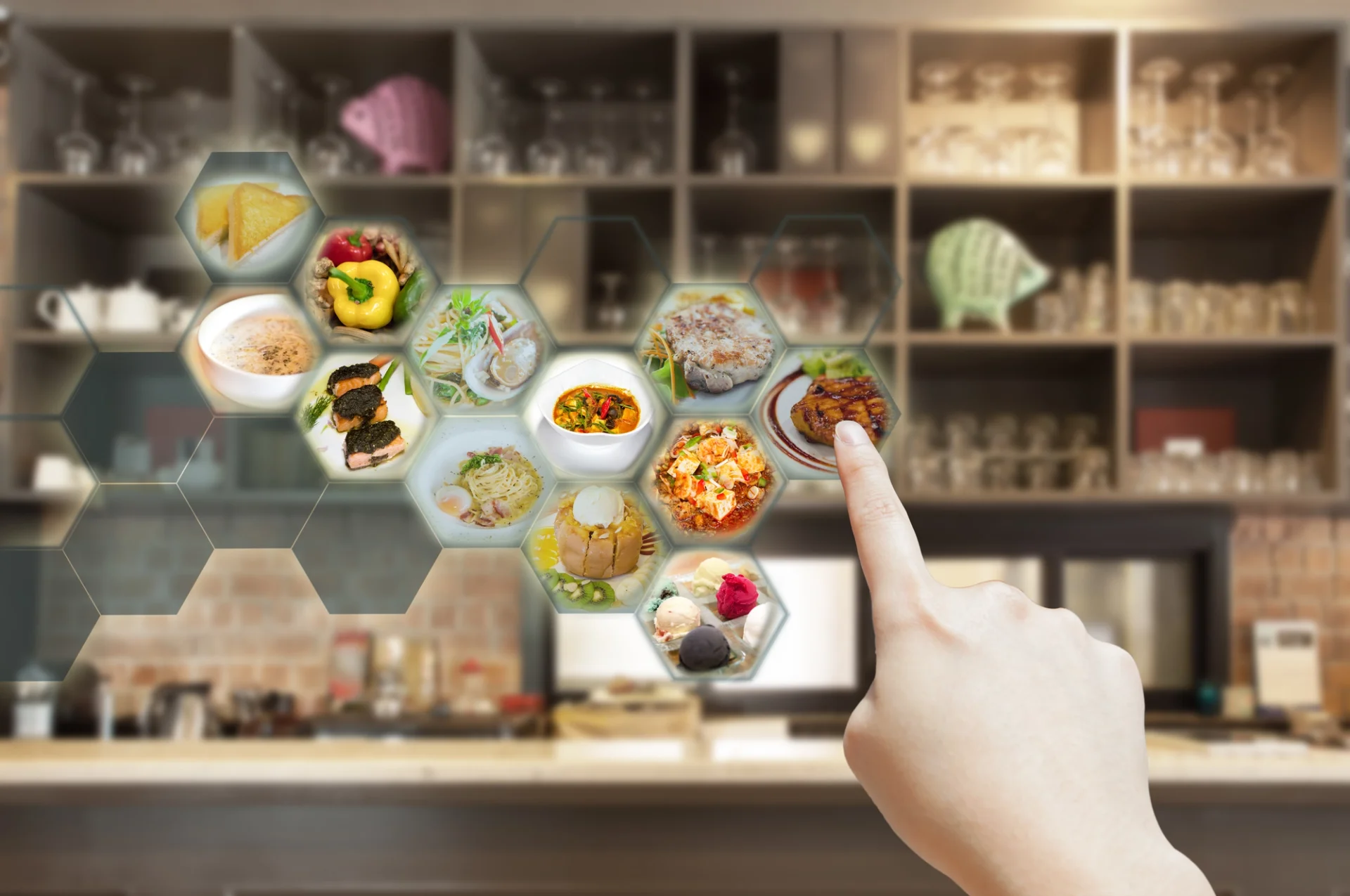

Your board is part of the room, and regulars read it from the door. What wears you down is everything behind it: a price changes, a dish runs out, and someone has to find the marker again. So leave the board where it is and put a QR code next to it that opens the full menu on the guest's phone. The board carries the short list you want ordered first. The digital menu carries the rest, meaning every price, every description and every language you would otherwise rewrite by hand. You can begin with the menu alone and add ordering and payment later, or never.
What the board does well and what it can't
A board sells before the guest sits down. It is read from the door, it sets the tone of the room, and it works without a phone or a data connection. A QR code doesn't replace any of that.
What it can't do is keep up with service. Every change means a marker or a reprint, so the board shows the menu as it stood the last time someone had a free minute. The longer the list, the sooner the board and the kitchen disagree. Languages work the same way: a board written in one language stays in one.
So the split is simple. The board holds the short list, the dishes you want to sell. The digital menu holds the full list and is the one you change when something changes.
Moving the full menu online
Typing the menu in is usually the slow part. In FineDine's Menu Manager you can start from a photo of your current menu, or from a PDF, Excel or CSV file, and the AI builds the sections and items for you. Read the result line by line before you publish. A handwritten or crowded board is hard for the AI to read, and it tends to slip on prices and item names, which are exactly what guests notice.
After that you work in an editor with a live phone preview beside it. You drag sections and items into order, edit prices in place, and add a photo and a description to each item. A Draft and Publish switch lets you finish everything at home, so the first guest sees the finished menu.
If your item photos are weak, AI Media Studio can enhance an existing photo or create a new one. Each generation uses credits, so try it on your five best sellers before you run the whole list.
Putting the QR next to the board
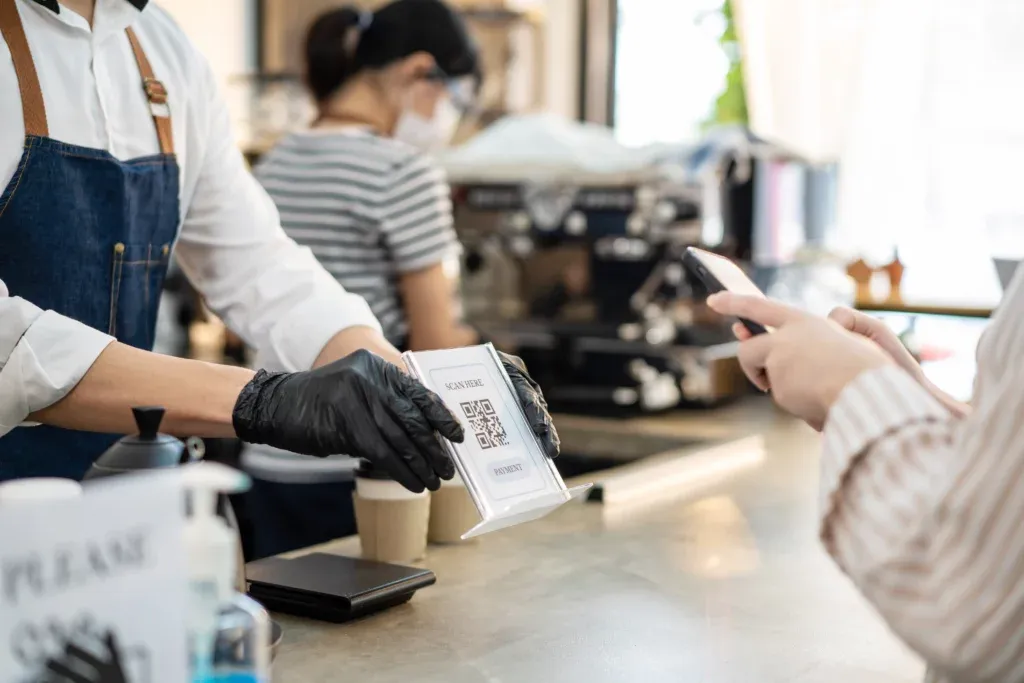
Put the QR code where guests already look: beside the board, on the table, on the counter, at the door. The QR Codes settings have a Display mode, which shows the menu and takes no orders. For most places keeping a board, that is the right first step, because nothing about the floor or the kitchen changes on day one.
When you're ready, the same settings let you switch to Ordering, with either one unique code per table or one code for the whole room. That is a service decision more than a printing one. If your staff take orders at the table and you like it that way, stay in Display mode. If you want guests to order from their seat, online ordering has its own do's and don'ts that are worth reading first.
A bare square gets ignored, so say what it opens. "Scan for the full menu" next to the code is enough.
Keeping the board and the digital menu in step
Now you have two sources of truth. If you change a price online and forget the board, a guest reads one number and is charged another. Pick one rule and tell the team: the digital menu is the master, and the board gets checked against it at the opening check.
The easiest way out is a board with a few signature dishes and no prices. It still sells, and nothing on it can go stale. If you keep prices on the board, add "menu on your phone" underneath, so a guest who spots a difference knows which one to trust.
On a busy night this pays off. A sold-out dish or a new price becomes one edit on a phone instead of a walk to the board.
Languages and guests who won't scan
Menu Manager has a Translation Center with side-by-side editing and AI auto-translate. How many menu languages you can run depends on your plan, so check the pricing page before you promise a tourist-heavy room five of them. Read the AI translations of dish names yourself, or have a native speaker do it. A literal translation of a local dish can confuse a guest more than the original name would.
Some guests won't scan, whether it's no data, an old phone or plain preference. Keep a printed copy at the counter, or have staff talk guests through the menu, so the digital version is an extra and never a gate. It's also a good reason to keep the board.
A digital assistant for the numbers, not the floor
People search for a digital restaurant assistant and mean different things by it. In FineDine the closest thing is FineDine IQ, the AI Reports tab. It updates hourly and shows your menu views, section views and item views next to revenue, orders and average ticket, over 7, 14, 28 or 90 days compared with the prior period. It also flags unusual days and suggests actions, such as items that are missing photos.
For a place with a board menu, this is what a wall can't tell you: which items get looked at and which get ordered. It won't run your floor. Ordering and revenue figures also need ordering switched on, so a menu in Display mode mostly shows you what gets viewed.
If you want guest opinions too, the survey questions guide can help you choose a few questions you will actually read.
Payments are a separate step
Putting the menu online doesn't mean putting payment online. If you do want guests to pay from the phone, FineDine's ordering side offers Fast Checkout and tip collection, and the payment providers you can use depend on your country. How QR payments work at the table explains the mechanics and where they fall short. A sensible order is the menu first, then a few weeks of watching how guests use it, and ordering or payment only if the numbers and your staff point that way.
Frequently Asked Questions
- Do I have to remove my printed or board menu?
- No. The digital menu works beside it. Many places keep a short board of signature dishes and let the QR code carry the full list.
- Can I use the digital menu without taking online orders?
- Yes. The QR code settings have a display-only mode that shows the menu and takes no orders. You can switch to ordering later in the same settings.
- How long does it take to get my existing menu online?
- It depends on the menu. You can upload a photo, PDF, Excel or CSV and let the AI build a first draft, then check every price and name before you publish. The checking takes longer than the upload.
- Can I run the menu in more than one language?
- Yes, through the Translation Center, where you can edit the AI auto-translation. The number of menu languages depends on your plan, so check the pricing page for your case.
- Can I try it before paying?
- There is a 14-day trial. Some features are locked during the trial, so check what you need against it.